Emporo — the trading terminal for Hyperliquid.
Perp, spot, and builder markets in one workspace — pro charts, every order type, and live data straight from Hyperliquid.
No KYC · Email or Google
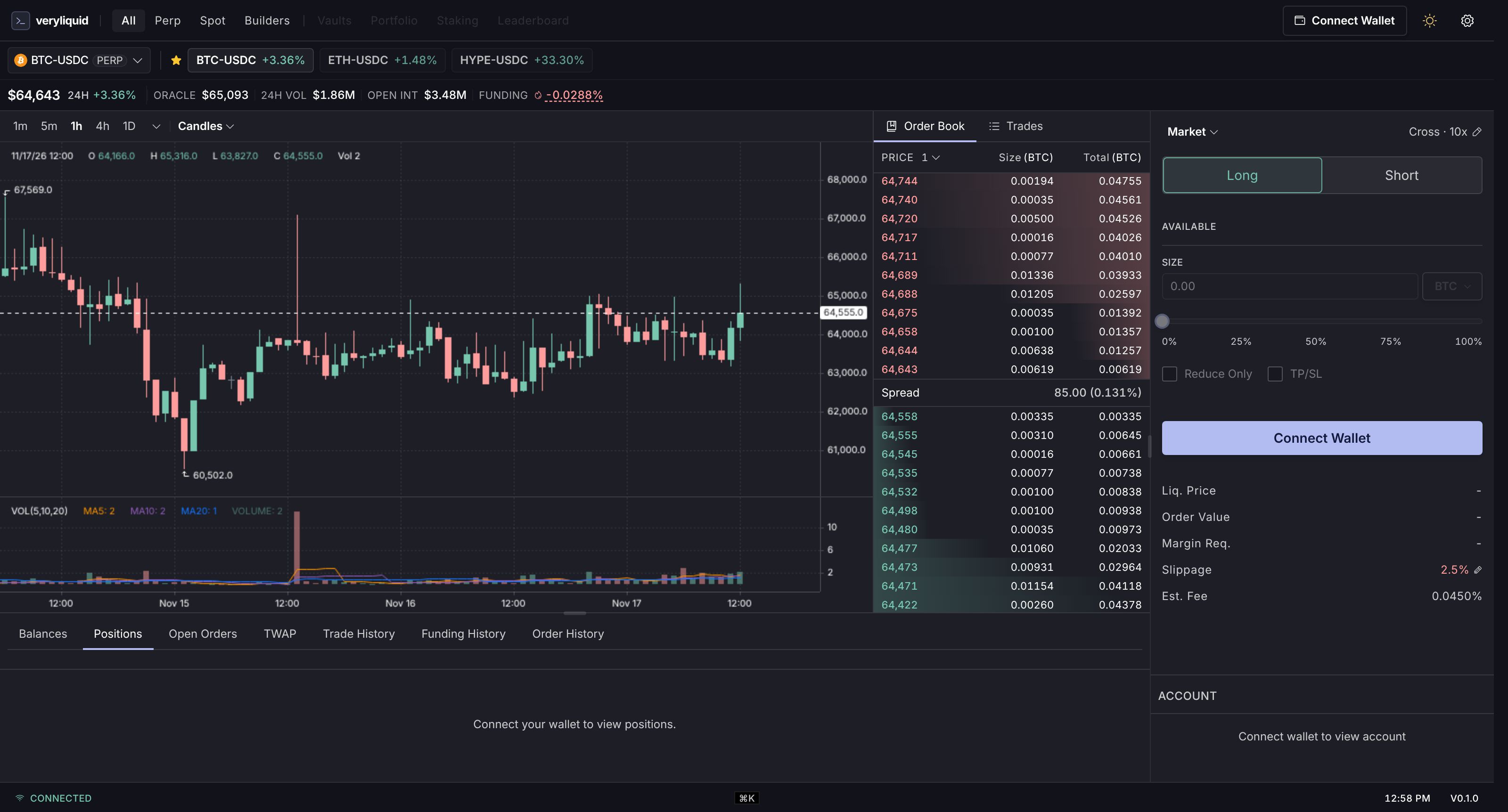
Direct to Hyperliquid. No middlemen.
No trading server of ours in between. The terminal talks straight to Hyperliquid's API and signs orders in your browser.
Everything serious traders need.
Common questions.
What does it cost to use Emporo?
Every trade pays Hyperliquid's trading fee plus an Emporo fee. Before you place an order, the terminal shows the total fee, which includes both. No subscription, no monthly fee, no charge for opening the app.
Do I need to sign up or KYC?
No KYC and no identity checks. You sign in with your email or Google account, and a wallet is created for you. Nothing to install.
Which order types are supported?
Market, limit, stop-market, stop-limit, take-profit (market and limit), TWAP, and scaled orders. Limit orders support GTC, IOC, and ALO time-in-force, plus reduce-only.
What's the max leverage?
Up to the maximum Hyperliquid sets for each market; it differs from market to market, and the terminal shows it. Cross or isolated margin, where the market allows both.
Which markets are supported?
All Hyperliquid perp markets, the spot order book, and builder-deployed DEXs. New markets appear automatically as they launch.
Where does my data live?
There is no trading server of ours in between: the terminal talks directly to Hyperliquid's public API, and orders are signed in your browser with a trading key kept there. Settings stay in your browser.
How do I deposit and withdraw?
Deposit USDC from Arbitrum (minimum 5 USDC) and withdraw USDC back to Arbitrum. Hyperliquid charges a $1 fee per withdrawal.
Does it work on mobile?
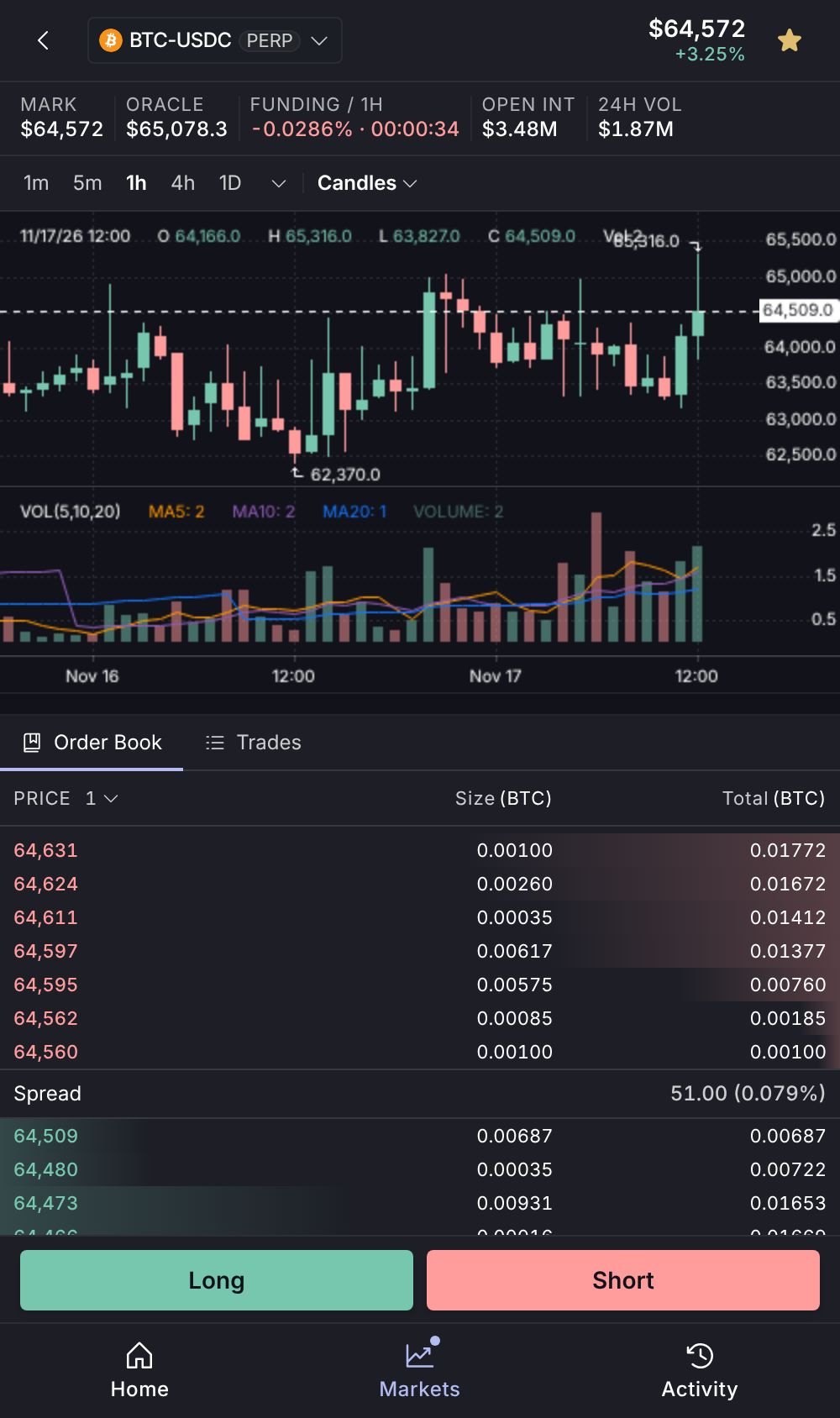
Yes. The terminal has a dedicated mobile layout in the browser, not a shrunk desktop.